
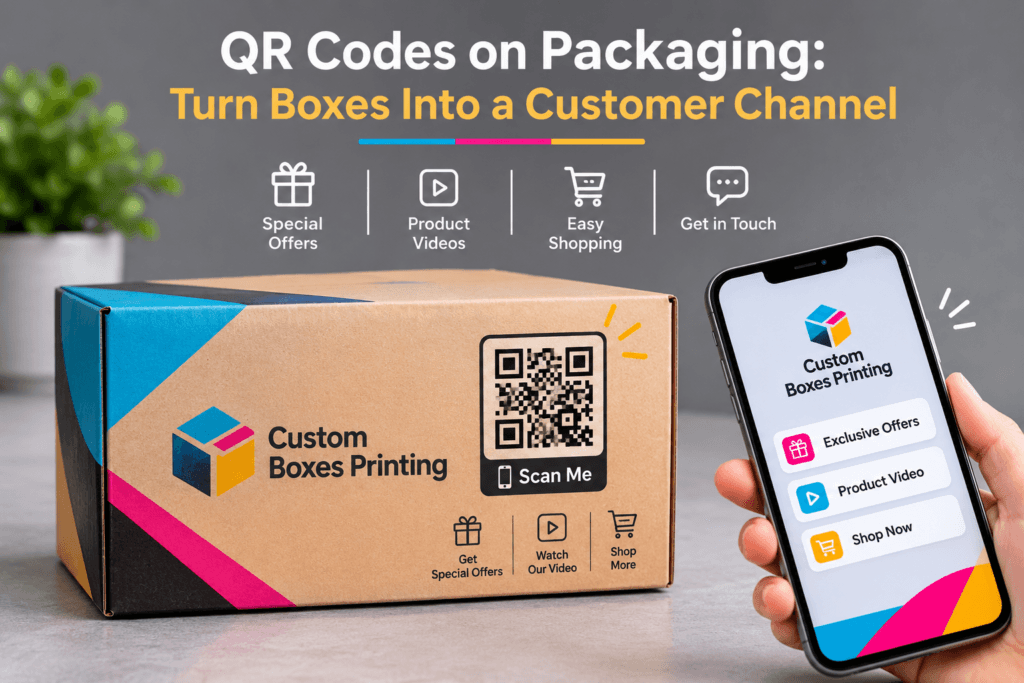
QR codes on packaging connect customers to digital content through a smartphone scan. A code on a product box can open care instructions, a setup video, customer support or a refill page. To make that connection useful, the packaging needs a clear reason to scan, a relevant destination and a link the brand can maintain.
Think about the moment someone opens your box. They may need help assembling a product, choosing how to use it or finding the right replacement part. A well-placed QR code can answer that question while the product is still in their hands.
The work starts with choosing what the customer needs next.
What Can QR Codes on Packaging do for Your Brand?
A packaging QR code gives customers a direct route from a physical product to an online resource. Used thoughtfully, it can support product use, answer questions and make repeat purchases easier.
The right purpose depends on the product and when customers encounter the code.
| Customer Need | Suitable QR Destination | Useful Business Outcome |
|---|---|---|
| “How do I set this up?” | Product-specific instructions or demonstration | Completed setup |
| “How should I look after it?” | Care and maintenance guide | Access to relevant care advice |
| “Where can I get help?” | Support page with the product already identified | Relevant support enquiries |
| “Which refill fits?” | Compatible refill or replacement page | Completed repeat orders |
| “What is this product made from?” | Verified product and sourcing information | Access to supporting information |
| “How can I share feedback?” | Short, product-specific feedback form | Completed responses |
Choose one primary purpose for each code. A page containing every promotion, social account and product category gives customers another navigation task.
For a refillable product, the most useful destination may be the correct refill. For a product that needs assembly, setup instructions are a better starting point than a discount offer.
Why Would a Customer Scan Your Packaging?
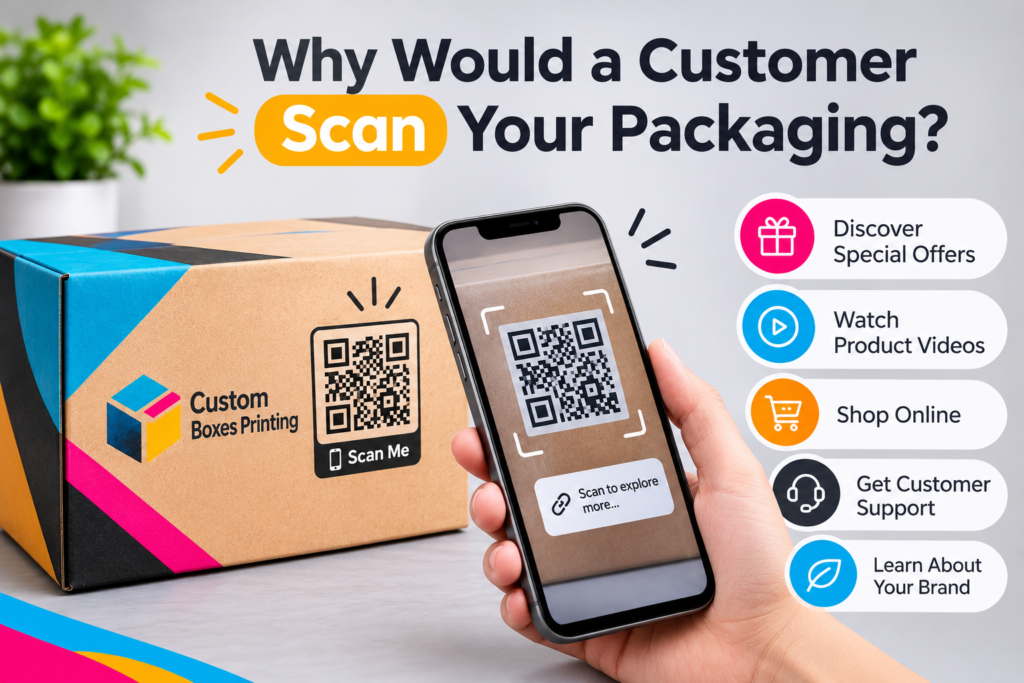
Customers need to understand what they will get before they scan. Put a specific instruction beside the QR code that describes the destination.
“Scan me” explains the action but leaves the benefit unclear. More useful prompts include:
- Scan for assembly instructions
- Find the refill for this product
- See the care guide
- Get help with your order
Keep the promise realistic. If the packaging says “Watch the setup video”, the destination needs to make that video easy to find.
Placement also changes the offer. A code on the outside of a retail carton can help someone assess a product before purchase. A code inside a mailer box can introduce the product after delivery. Care information belongs somewhere customers can find again, particularly if they are likely to discard the outer packaging.
What should your packaging QR code link to?
Link the QR code to the page that answers the customer’s immediate question. A product-specific destination is usually a more practical choice than a general homepage because it removes the need to search again.
Product setup and care instructions
Setup guides suit products where customers need help before first use. Care guides support products that need cleaning, storage or maintenance.
For example, a hypothetical homeware brand could place “Scan for care instructions” inside its product box. The destination could explain cleaning methods, unsuitable treatments and how to contact support.
Keep information that customers need immediately visible on the page. A downloadable document can provide further detail, but it need not be the only way to access a short set of instructions.
Product information and brand stories
A QR code can connect packaging to information that needs more space or regular updates. This could include material details, sourcing evidence or a product demonstration.
Keep claims specific and supported. Linking to a sustainability page does not establish that a product is recyclable, responsibly sourced or independently certified.
If the customer scans to learn about a material, answer that question before introducing the wider brand story.
Support and feedback
A support QR code can take customers directly to help for the product they own. Include clear routes for common questions and a way to contact a person when the guidance does not resolve the issue.
For feedback, ask only what you need. A short form about the product experience is easier to complete than a lengthy questionnaire requiring an account.
Reordering and loyalty programmes
For consumable products, a QR code can lead to the correct refill, size or replacement part. Make compatibility clear before asking customers to buy.
A loyalty programme needs an equally clear explanation. State what customers receive, what joining involves and whether they are signing up for marketing.
Should You Use a Static or Dynamic QR Code?
Choose the link arrangement according to how long the packaging will remain in use and how much control you need over the destination.
A static QR code contains fixed information, such as a website address. A service marketed as a dynamic QR code typically encodes a redirect address whose destination can be changed through a management system. The printed pattern remains the same.
| Decision Factor | Direct-Link Static QR Code | Managed Redirect (Often Sold as “Dynamic”) |
|---|---|---|
| Encoded Address | Fixed after printing | Fixed after printing |
| Destination Changes | Content at the address can change; redirection requires control of that address | Destination can usually be changed through the service |
| Measurement | Depends on website analytics and link setup | May include redirect reports, depending on the provider |
| Ongoing Costs | Website and domain costs still apply | May include subscription or usage charges |
| Main Dependency | Continued control of the encoded address | Continued access to the redirect service and its terms |
| Suitable Use | Stable resources on a website you control | Campaigns requiring managed destination changes |
A static QR code does not mean the webpage must stay unchanged. If your business controls the encoded address, you can update the content at that address.
Before choosing a QR service, ask what happens if you cancel the subscription, exceed a usage limit or move providers. Check whether you can use a domain your business controls.
Packaging may remain in customers’ homes long after a campaign ends. The link arrangement needs to account for that lifespan.
If your boxes are already in production, first check the address encoded in the approved QR artwork. If you control that address or its redirect, you may be able to update the destination without changing the printed code. If you do not control it, choosing a different QR service will not change existing printed codes. Ask your packaging supplier whether the artwork can still be amended before printing.
How Do You Create a Useful Mobile Experience After The Scan?
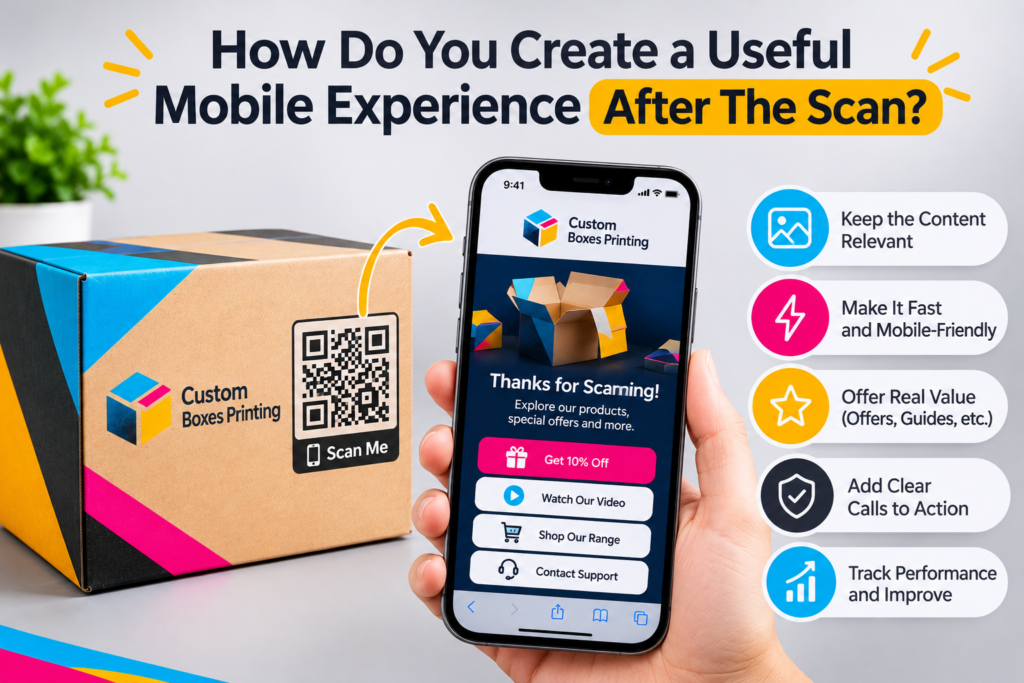
The destination page needs to complete the promise printed on the packaging.
If the box offers a care guide, open with the care instructions. If it offers a refill, show the compatible product and purchasing options. Avoid making customers dismiss several promotional overlays before reaching the promised content.
A practical mobile page includes:
- A heading that matches the packaging prompt.
- Enough product information to confirm the customer is in the right place.
- Readable text and controls that work on a small screen.
- One clear next action.
- A support option when the page does not answer the question.
For a setup guide, the next action might be watching a demonstration. For a refill page, it might be selecting a quantity. Match the action to the reason for scanning.
Test the page on a mobile connection as well as office Wi-Fi. A destination that works well on a desktop can still be awkward to use while holding a product and a phone.
Where Should a QR Code go on a Box?
Place the QR code where customers can see and scan it at the intended moment. Keep the symbol on a suitable panel, away from interference caused by folds, seams, graphics or other packaging features. GS1’s retail implementation guidance specifically identifies these as factors that can compromise the required clear space around a code. GS1 implementation guidance.
For an ecommerce mailer, an inside panel may suit an unboxing message. For instructions customers need later, consider a product carton or retained insert. Check that packing tape, delivery labels and the product itself will not cover the code.
Leave clear space around the symbol. DENSO WAVE specifies a quiet zone measuring four modules on every side of a standard QR code. A module is one of the small squares that forms the pattern. Keep text, borders and illustrations outside that margin. DENSO WAVE quiet-zone guidance.
Use strong contrast. GS1 UK recommends dark colours on a light background, with black and white providing the best combination. GS1 UK colour guidance.
There is no single printed size suitable for every box. The amount of encoded data affects the number of modules in the symbol, so adding data can change the space needed to reproduce it clearly. Agree the size with your packaging supplier and test the actual application. DENSO WAVE information-capacity guidance.
The packaging material and surface finish also matter. Coated and uncoated boards, textured papers and laminated surfaces can reproduce fine QR code details differently. Avoid placing the code directly over foil stamping, metallic inks, embossing, debossing or glossy decorative finishes that could interfere with scanning. Keep it on a flat, stable panel rather than across folds, creases or curved surfaces.
Consider the printing process, substrate and intended finish when finalising the QR code size. Check that the small squares and edges remain clearly defined on the printed material, particularly where the artwork includes detailed graphics or special finishes.
Include a short, readable web address nearby so customers have another route to the content.
How Do You Test QR Codes Before Packaging Production?
Test a physical sample at its intended size, on the intended material and in its assembled form. Scanning artwork on a monitor only checks part of the experience.
Use this sequence before approving production:
- Confirm the destination. Check the final address and any redirects.
- Inspect the printed sample. Confirm that the symbol and quiet zone are reproduced clearly.
- Assemble the packaging. Check that folds, closures and contents leave the code accessible.
- Try representative phones. Test different devices under ordinary indoor lighting.
- Check the finished surface. Look for glare, distortion or other conditions that make scanning difficult.
- Complete the customer task. Follow the guide, submit the form or test the ordering route.
A QR code that scans correctly on flat artwork may become difficult to access once the box is folded, assembled or packed. This is why checking the code on a finished sample is important, particularly when it sits near a closure, opening flap or product insert.
If the code will be used for retail checkout, arrange the relevant barcode verification and retailer checks too. A successful phone scan does not establish checkout suitability.
Record the approved artwork version, encoded address and destination owner. Repeat the relevant checks when any of those change.
How Do You Measure Packaging QR Code Results?
Measure the customer action the code was designed to support. Scan totals help show activity, but they do not establish whether customers found the experience useful.
| Campaign Purpose | Measure | What the Result Helps You Assess |
|---|---|---|
| Product Setup | Guide access and setup completion, where measurable | Whether customers reach and use the instructions |
| Customer Support | Support requests by issue and product | Which problems still need attention |
| Reordering | Orders attributed to the packaging link | Whether the route supports repeat purchasing |
| Feedback | Completed forms | Whether customers finish the request |
| Loyalty | Completed registrations and later participation | Whether sign-ups lead to continued use |
To measure repeat orders from packaging QR codes, use a dedicated packaging link and record completed purchases attributed to it. Where your ecommerce platform and privacy arrangements allow, distinguish returning customers from first-time buyers using order history. The report attributed repeat orders separately from total orders. An attributed purchase shows that the customer used the packaging route; it does not prove the QR code caused an additional sale.
Keep measurement definitions consistent. A provider’s “scan” count may describe redirect requests, while website analytics may report sessions. Repeat scans, automated requests, privacy settings and consent choices can affect the totals.
If you calculate a scan-to-order conversion rate, state what you counted:
Attributed completed orders ÷ recorded packaging-link visits × 100
For illustration, 12 attributed orders from 300 recorded visits gives a 4% conversion rate. This is a calculation example, not an industry benchmark.
To assess improvement, compare similar products and periods. A higher scan count after changing the packaging prompt may be useful evidence, but differences in order volume or customer mix can also affect the result.
What Will a Packaging QR Campaign Cost?
The cost includes more than generating the code. Budget for destination-page work, packaging layout changes, proofing, any redirect subscription and ongoing maintenance.
A simple guide on an existing website may need little new infrastructure. A personalised loyalty experience can require account management, customer-service support and more complex data handling.
On the packaging side, costs may also depend on artwork adjustments, additional print colours, special finishes and whether the QR code requires a separate panel or insert. Including the code during the initial packaging design stage can help avoid unnecessary artwork revisions later.
Ask providers which charges are recurring and which features depend on a particular plan. Confirm the cost of keeping existing printed codes working after the initial campaign.
For a first campaign, use one product and one clear customer task. This makes the work easier to evaluate before adding more destinations.
How Do You Protect Customer Trust and Keep Links Working?
Treat the QR destination as a maintained part of the product experience. Assign someone responsibility for checking the page, renewing relevant services and updating content when products change.
Use a recognisable destination and avoid unnecessary redirects. If a product is discontinued, retain useful support information rather than sending every visitor to an unrelated promotion.
The printed code is only one part of the privacy picture. Review the redirect service, destination page, forms and analytics together.
In the UK, consent requirements depend on the technologies and purposes involved. Current ICO guidance provides a conditional exception for certain statistical uses, with transparency and objection requirements. Advertising-related storage and access technologies do not qualify for that exception. Check the actual campaign setup against the guidance rather than assuming all analytics are exempt or all require the same treatment. ICO guidance on exceptions.
A Simple QR Packaging Pilot For an Ecommerce Brand
Start with a customer question you can answer well.
For example, a hypothetical refillable home-fragrance brand could use a packaging code to help customers find the right refill. The pilot would involve:
- Selecting one refillable product.
- Creating a mobile page showing its compatible refills.
- Adding “Find the refill for this product” beside the code.
- Testing the assembled box and complete ordering route.
- Launching a limited packaging batch.
- Reviewing attributed orders, support enquiries and link reliability.
Set the review date around the product’s likely replenishment cycle. Customers cannot demonstrate repeat-purchase behaviour before they reasonably need another order.
Use the findings to decide whether to change the prompt, improve the destination or extend the approach to other products.
Frequently Asked Questions About QR Codes on Packaging
| Frequently Asked Question | Answer |
|---|---|
| Can you change a QR code destination after printing? | Yes, if you control a redirect or the content at the encoded address. You cannot change the information stored in the printed pattern itself. Confirm how destination changes work before committing the code to packaging. |
| Do packaging QR codes expire? | A printed QR pattern has no built-in expiry date. Access can still fail if a domain lapses, a webpage disappears or a redirect provider disables the link. Check the service terms and maintain the destination. |
| Can a QR code replace a retail barcode? | An ordinary marketing QR code is not automatically a replacement for an EAN or UPC barcode. GS1 Digital Link combines GS1 identifiers, such as a GTIN, with web addresses, supporting consumer information and retail applications. Any replacement needs to meet the relevant standards and retailer requirements. GS1 UK explanation of Digital Link . |
| Why does a QR code scan on screen but fail on the box? | The printed version introduces different conditions. The symbol may be too small for the application, lack contrast or clear space, or become difficult to read after assembly. Test the physical packaging to identify the cause. |
| Can a QR code prove a product is genuine? | A code that opens a brand website does not, by itself, prove authenticity. The same printed pattern can be copied. Authentication needs a system designed to verify the product or item, rather than simply provide a link. |
| Who should maintain packaging QR links? | Assign a named owner within the business. Marketing may manage the destination, while ecommerce, IT or customer service supports it. Keep a shared record of each code, its purpose, encoded address, destination and service dependencies. |